
An Unconventional Look at the Nook
Backstory
My relationship with e-readers started in 2006 with the LBook V8; I still use that reader to this day, despite its crumbling case and dim screen. When a friend asked me for advice on choosing a reader, it turned out that comparable PocketBook, Sony, and similar devices cost almost more than I’d paid back then, while essentially only the screen had changed. Bonuses like “faster page turning” or “CHM format support” don’t seem worth it to me either. Against that backdrop, the B&N Nook at $149 plus shipping looked like a gift from the gods 🙂 After a few days of googling I became convinced the device really is unique, and that if there are any rough edges, the firmware from Nookdevs or the localised one from Mynook.ru would sooner or later fix them.
I bought the second reader for myself, with a guaranteed ability to reflash it – I wanted to explore Android from the inside, try writing a couple of programs, maybe even figure out how to crack unrootable devices. That cost extra, but as a result I ended up with a reflashable 3G Nook, spending almost one and a half times less than I would have on “domestic” equivalents. That’s where the initial excitement ended and the harsh daily grind began. 🙂
Alternative firmwares
First I flashed firmware 2.4.1 from Nookdevs: http://nookdevs.com/Softroot
The pleasant home-screen interface was replaced by a custom-built launcher, and an alternative bookshelf and browser appeared. I risk starting a flame war here, but all these programs seemed considerably lower quality than the originals.. Working with it became downright unpleasant, bugs started creeping in. Being able to install extra programs is nice, but there are precious few adapted for the Nook, and their quality isn’t great either.
On the second attempt I flashed firmware 1.5.1 from MyNook.ru: http://mynook.ru/firmware/
The device gained yet another custom launcher, FBReader, and some of the Nookdevs programs. The overall impression got a bit better, but there was still a homemade aftertaste.. I used the localised on-screen keyboard exactly once, to write a letter, and FB2 files read at the same speed and quality as EPUB, though navigation is a bit less convenient.
Honestly, at this point I should have either gone back to the original firmware or stayed on the localised one, but… as they say, I “had the time and the inspiration.” 🙂
My own firmware
The device turned out to have the classic combo – Linux 2.6.27 + Android 1.5 Cupcake, presumably Revision 3. The flashing procedure itself is implemented quite solidly, with an RSA signature over a SHA-256 hash of the update body, and only a bug in the very first firmwares lets you root the device via a downgrade without opening the case. Out of due diligence I looked for other ways to crack it, and confirmed that the main holes are closed reasonably well; along the way I also picked up some skills in decompiling and reassembling Android apps.
For my own purposes I made my own copy of the official 1.4.0 firmware with exactly one change – enabled autostart of adbd in /init.rc. After reflashing we get a device that is 1:1 identical to the original, but with adb access, which means the ability to install/remove programs, poke around in system settings, and so on.
Programs
The next step was picking programs, and given how picky I am, also polishing the ones that were missing “the mother-of-pearl buttons.” Links to the mentioned programs are at the end of this article: Links
Launcher
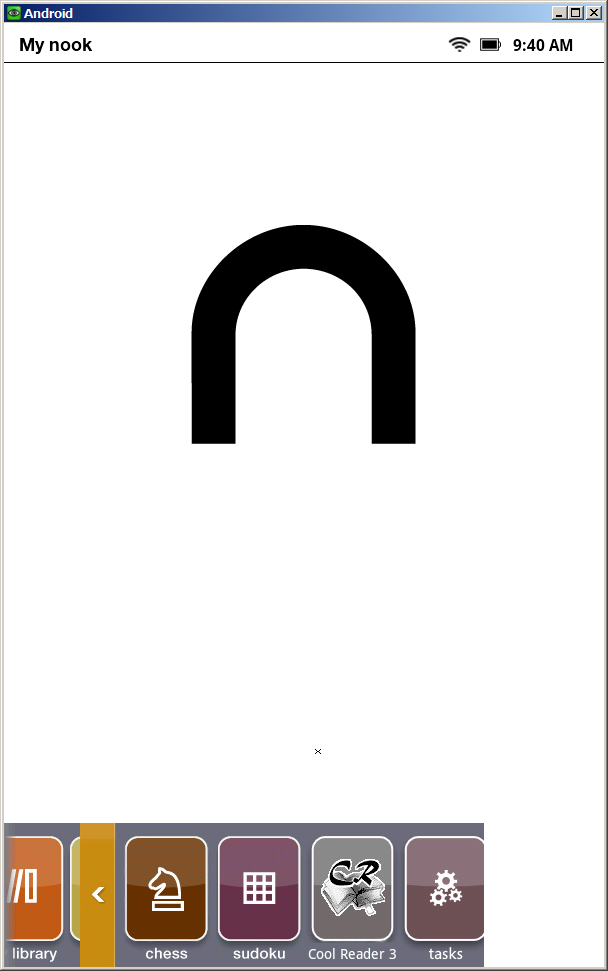
The solution came in the form of the NookAppManager program, which isn’t weighed down by an unnecessary UI and can launch or remove any of the installed programs. All that was left was figuring out how to launch the manager itself. So far I haven’t come up with anything better than redirecting one of the default icons in the original launcher. A bit of poking around in the code, backsmali + smali, and the chess icon became my backdoor for launching whatever I wanted, however I wanted. It’s not an elegant solution, but in everyday use you can keep using the stock interface and programs, and if you need third-party software or chess – launch AppManager and go from there.
At this point I’ve written a version of the home screen that replaces the Games folder with an Apps folder and shows all installed apps there.
Browser
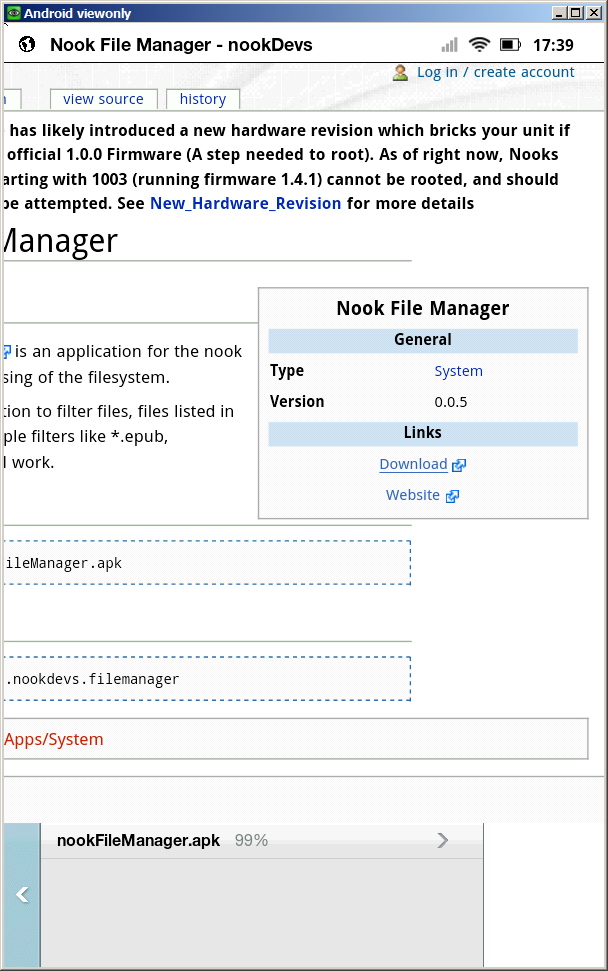 The reader’s browser really only needs to meet two requirements: it has to browse and it has to download files. The original browser from firmware 1.4.0 is quite good, but doesn’t download files. The Nookdevs product downloads files, but is noticeably less convenient and hasn’t been updated in a long time. To be honest, it only satisfies the second requirement. 🙂 Digging into the original browser’s code, I was surprised to find some groundwork already there, including a UI for downloading files. It took a few days to figure out how it was supposed to work and could work, and then to implement the missing pieces, but in the end we got what we wanted – a convenient browser with download support.
RSS reader
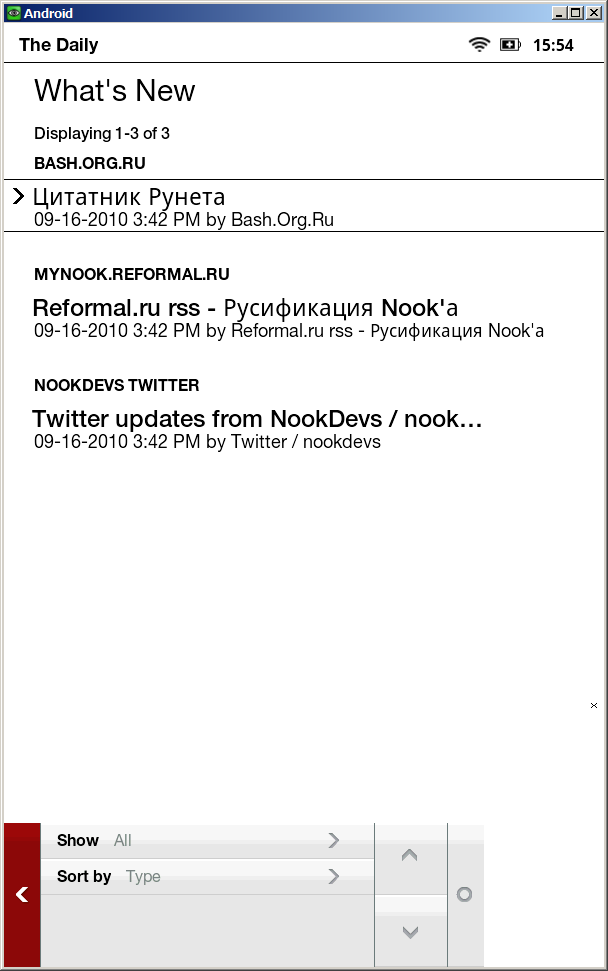 On the forums, people recommend using either web aggregators or an adapted Trook for reading feeds on the device. The latter program is pretty decent, but it didn’t impress me, and aggregators never quite grew on me either. The stock set includes a program called The Daily, which is ideally supposed to read news from the Barnes & Noble site, but actually reads a handful of not-very-useful feeds and isn’t used outside the US at all. The first version of my mod used the original feed format and a PHP translator on an external server, but later I managed to completely rewrite the feed loading, and now The Daily has become a full-fledged RSS reader, with the feed list read from a feeds.xml file on the built-in card. It has some notable shortcomings – for example, feeds are read in full on first launch, which takes some time, and Atom isn’t supported – but it works great for most feeds.
Utilities and third-party programs
Besides the already-mentioned Nook App Manager, Nook Task Manager, NookTerm and Nook WiFi Locker turned out to be quite useful. Now, after reflashing the device (which is sometimes necessary after experiments), I run a simple .bat file that installs these utilities, replaces the programs I’ve modified, and applies a few optimizations.
Interestingly, you can install almost any Android program on the reader, but to control it you’ll need to run a VNC server or remap the control buttons. That gives hope that sooner or later we’ll find a way to control such programs without VNC, and that native ports will be made for the device for the most useful ones. For instance, there’s a lot of hope pinned on CoolReader, whose author has looked into what this device is really like and plans to support it soon.
Optimization
To keep the battery from draining too fast, it’s quite useful to remove unused services. Right now the community on the Ebook forum is actively researching what can be safely disabled to extend the reader’s battery life, but the only thing confirmed safe so far is disabling FirmwareUpdateService. You can’t uninstall it, so the radical solution is to delete it:
adb shell rm /system/app/FirmwareUpdateService.apk
You can also remove SyncService.apk and ContactsProvider.apk, but there may be side effects there, like purchases in the official B&N store no longer working, and so on.
Another direction for optimization is applying patches to Android itself. So far I’ve patched LocationManager and KeyInputQueue in the services.jar file, but I don’t have statistics yet on how much that helped, or whether it helped at all.
Epilogue
Right now the device looks attractive in terms of price and design, but suffers badly from battery consumption by various programs, including those using WiFi and 3G. There’s practically no developer community to speak of, no official API has been released, and the existence of non-rootable devices spoils the picture even further. On the other hand, sooner or later such devices will get cracked, and a growing number of developers will make it possible to optimize the software and usability.
Links
Firmware 1.4.0 with unlocked adbd: http://runserver.net/nook/bravo_update.dat
Firmware 1.4.1 with unlocked adbd: http://runserver.net/nook/bravo_update_1.4.1.7z
Home screen showing installed programs: http://runserver.net/nook/Home.apk
Browser with download support: http://blog.runserver.net/2010/09/nook-2.html
The Daily with RSS reading support: http://blog.runserver.net/2010/09/nook-3.html
Patched services.jar: http://runserver.net/nook/services.7z
Update: Added a link to the new Home.apk mod with an Apps folder instead of Games
Update 2: Added a link to firmware 1.4.1. Works for older devices.
Originally published 2010-10-15.